Run every project from quote to paid.
The job app for tradies and small service businesses — fencing, landscaping, cleaning, lawn mowing and every trade. Quote, track every dollar in and out, manage staff pay and invoice — all from your Apple devices.


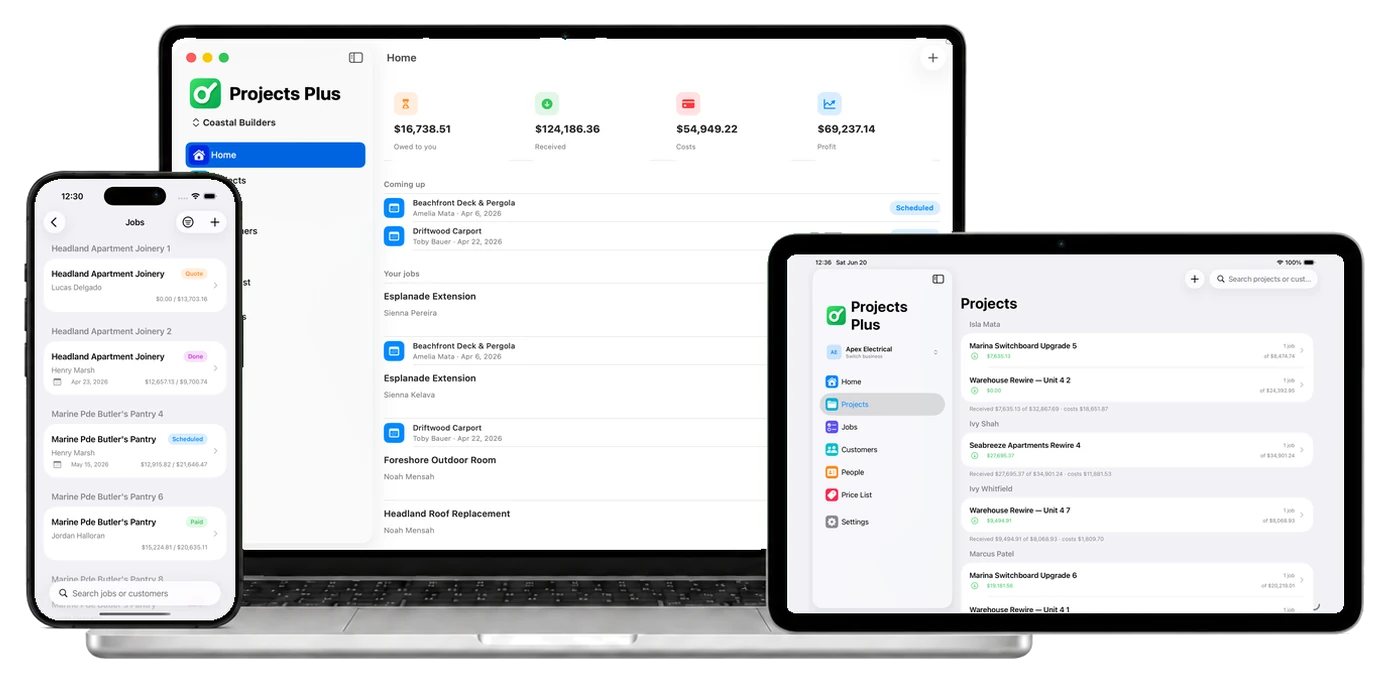
Made for trades
Built for project managers who do the work.
If you run the job yourself to save money, Projects Plus keeps your quotes, costs, staff pay and invoices in one place.





One app to quote, track expenses and get paid.
Projects Plus replaces spreadsheets and paperwork — manage quotes, deposits, expenses, staff pay and invoices for your fencing, landscaping, cleaning or lawn-mowing business, all in sync across iPhone, iPad and Mac.
Everything in one app
The whole job, handled.
Six tools that used to mean six apps and a pile of paperwork — now native on your iPhone, iPad and Mac.
Editable quotes you can re-send anytime
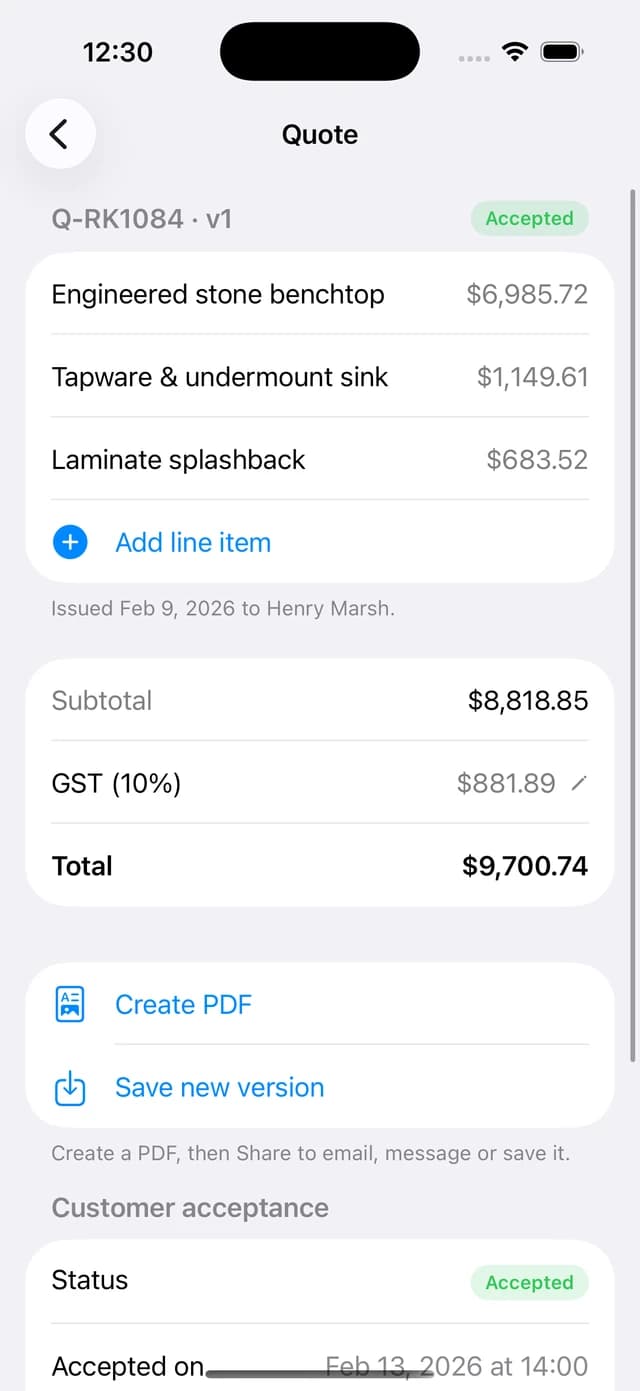
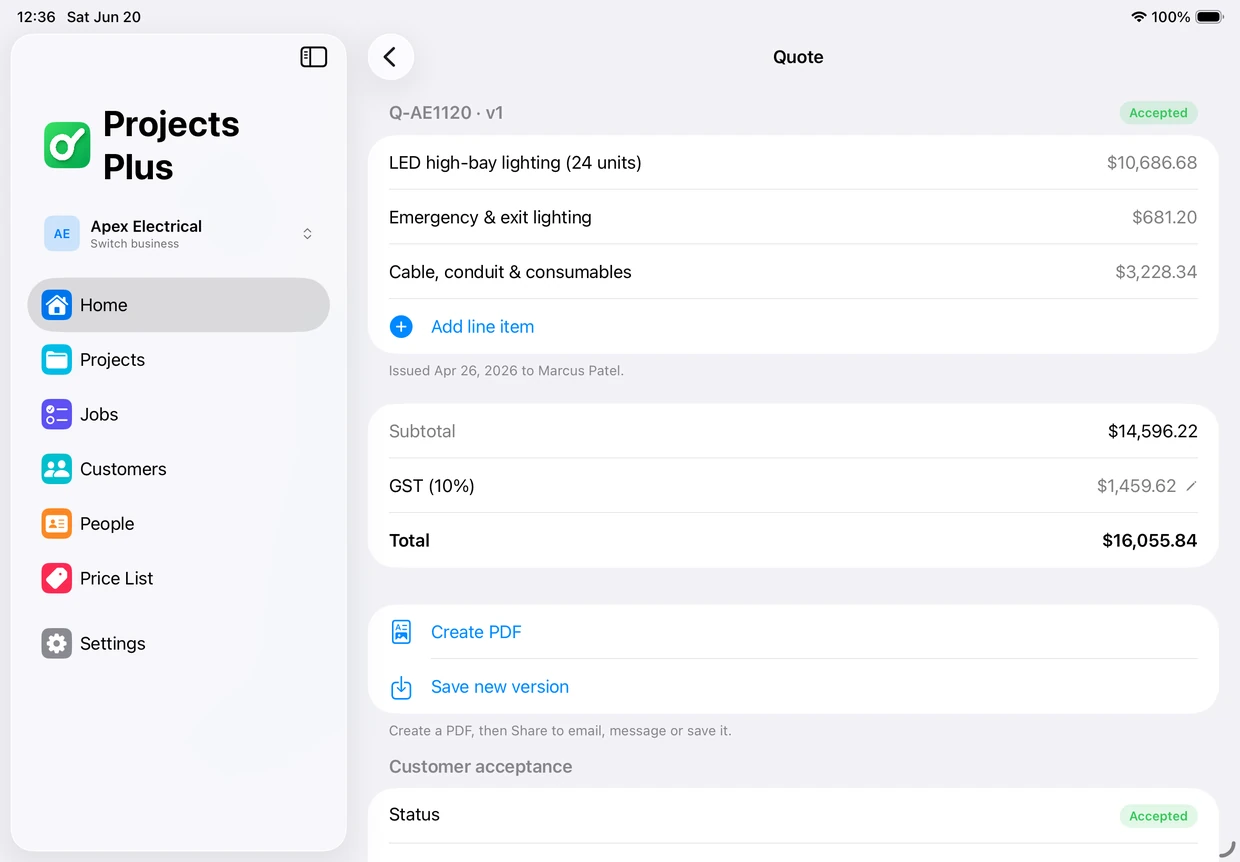
Build a quote with line-by-line descriptions and amounts, email it to your customer as a clean PDF, and update it as many times as they ask. When they say yes, mark it accepted and the job moves forward.
Learn moreTrack every deposit and payment in
When a customer pays a deposit by bank transfer or cash, log it in seconds. Capture the amount, date, a transaction reference and optional proof of payment so every cent is accounted for.
Learn moreExpenses, receipts and staff pay
Log spending with a description, amount, receipt photo and date. Staff payments are colour-coded and tracked separately — record when work was done and the actual date and time each payment was made.
Learn moreStaff management built in
Keep complete records for every team member — contact details, emergency contacts, address, TFN and personal ABN — so payroll and compliance details are always one tap away.
Learn moreProfessional invoices, sent in seconds
Create a final invoice your customer can edit-proof and pay. As you prepare it, you see the project's spending so you can add each payment line accurately, then email a polished invoice straight to the client.
Learn morePDF exports and filters
Export a project's total expenses as a PDF, or filter individual payments and export exactly the slice you need — perfect for the customer, your records, or your accountant.
Learn moreMoney management
Manage your business expenses on every device.
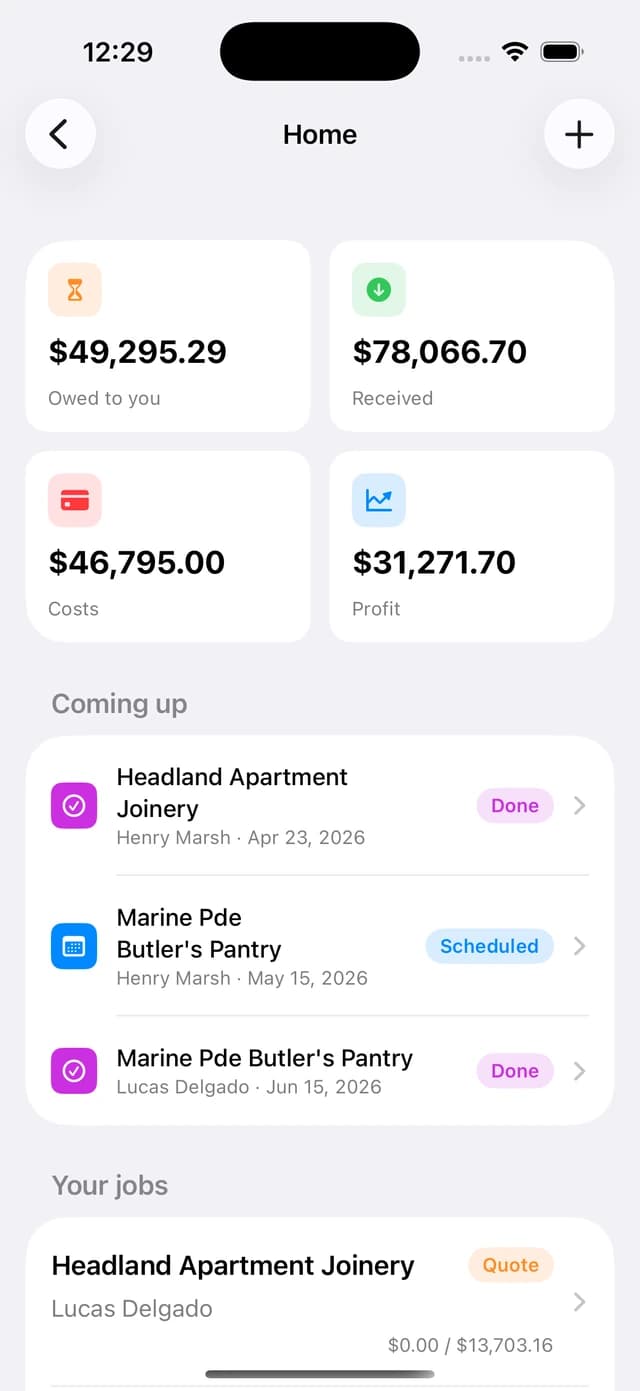
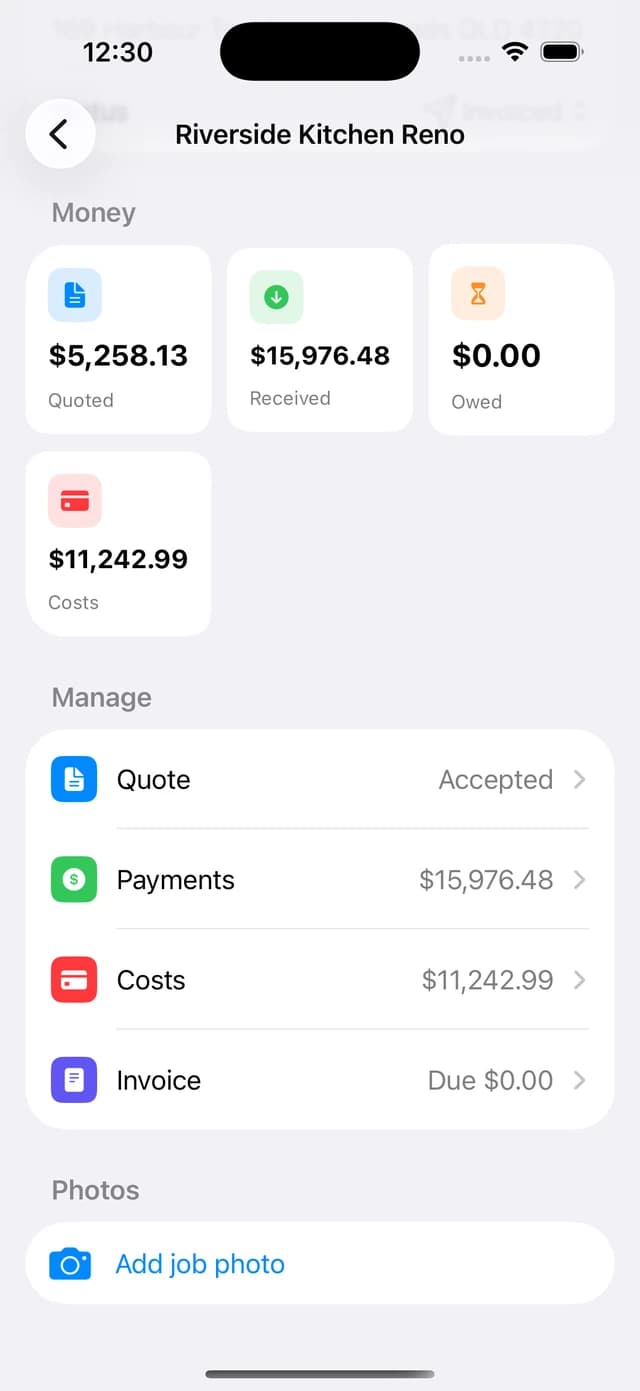
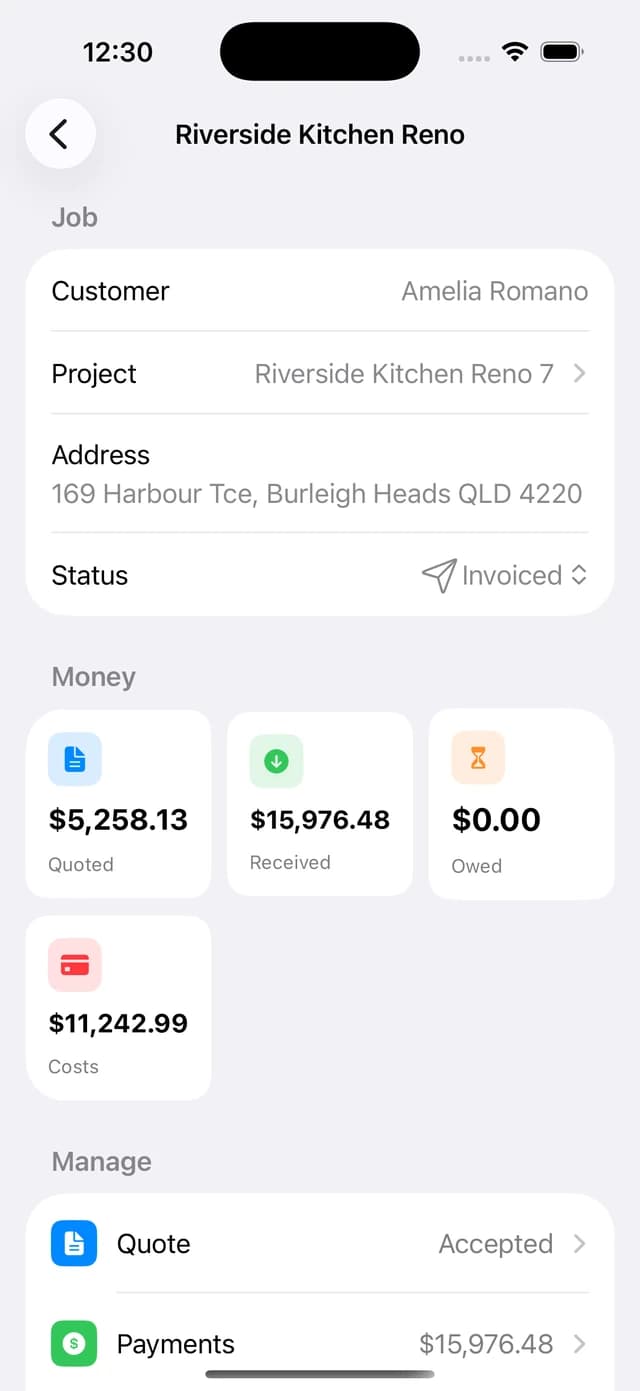
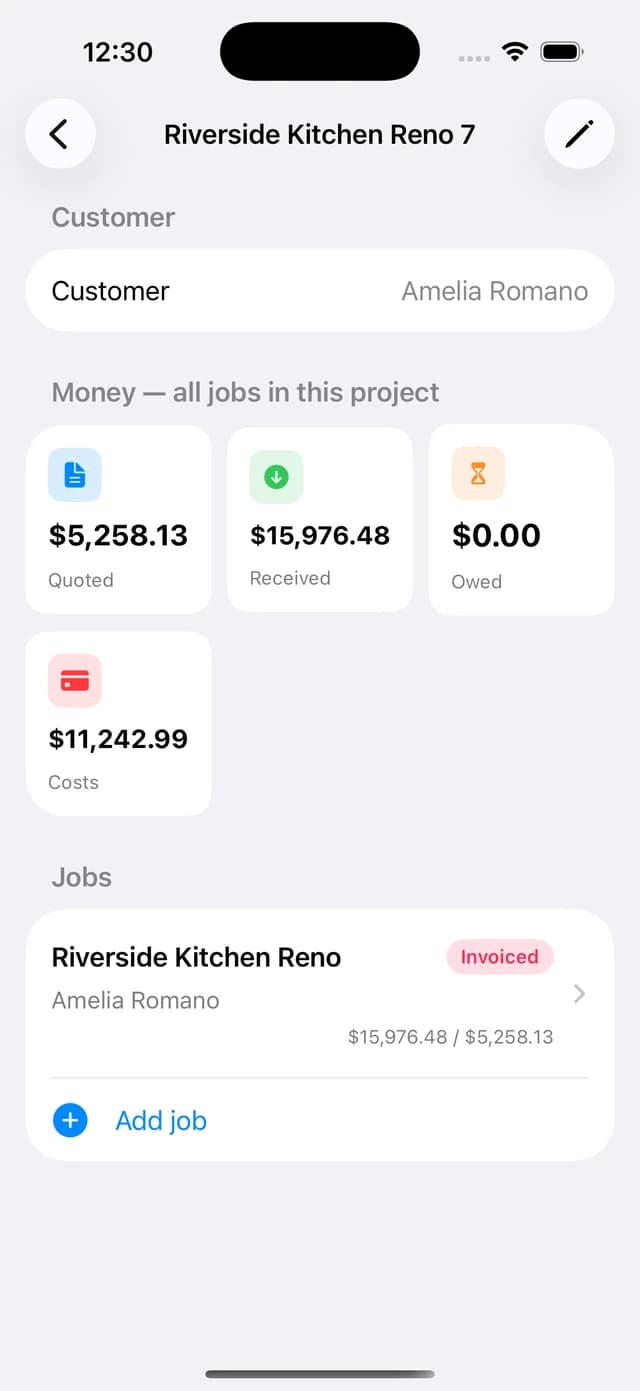
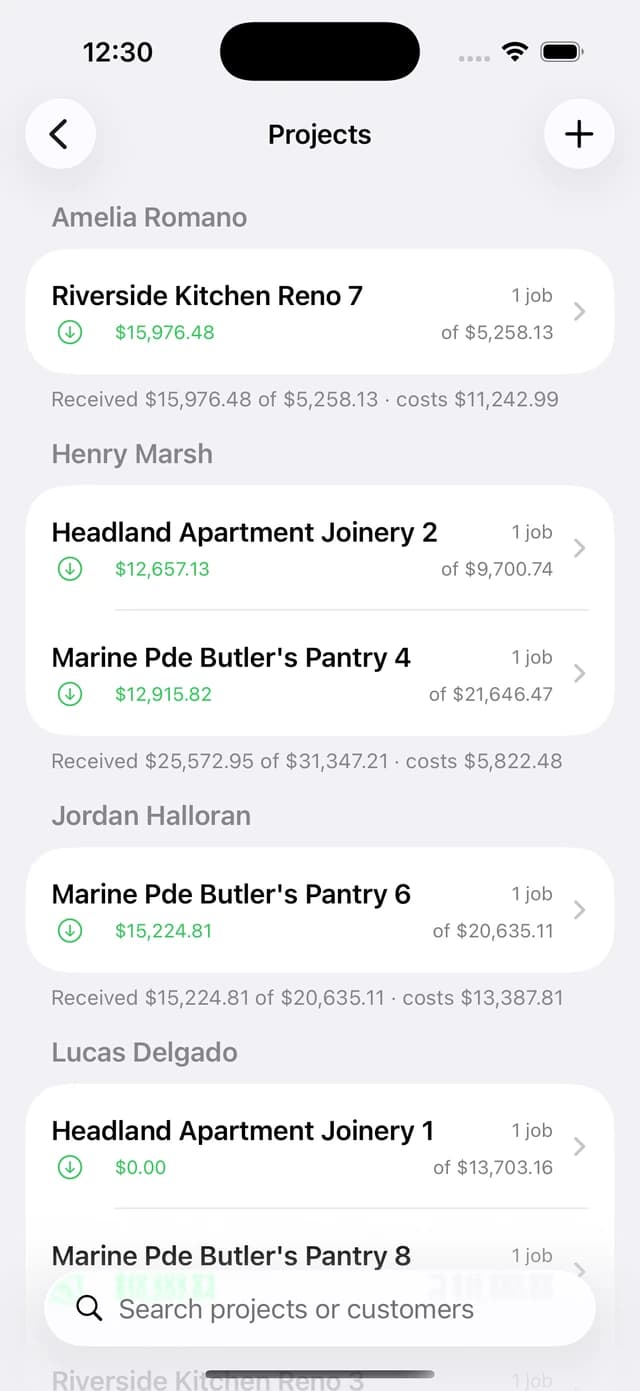
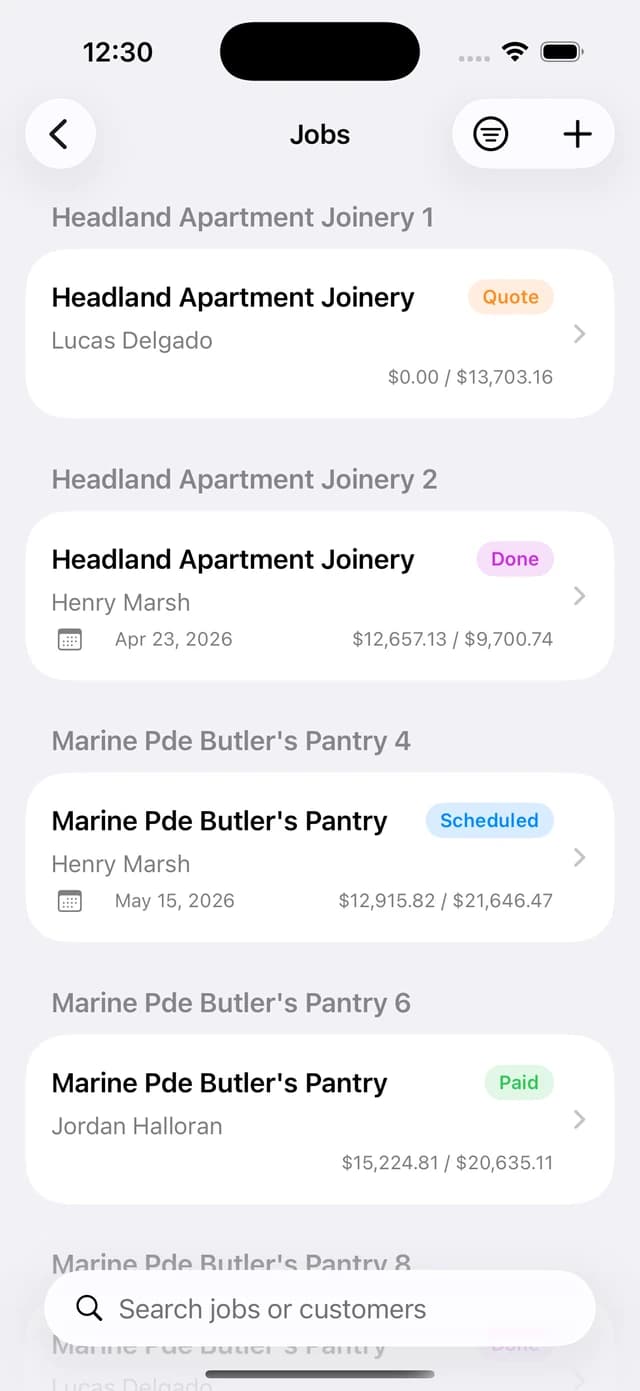
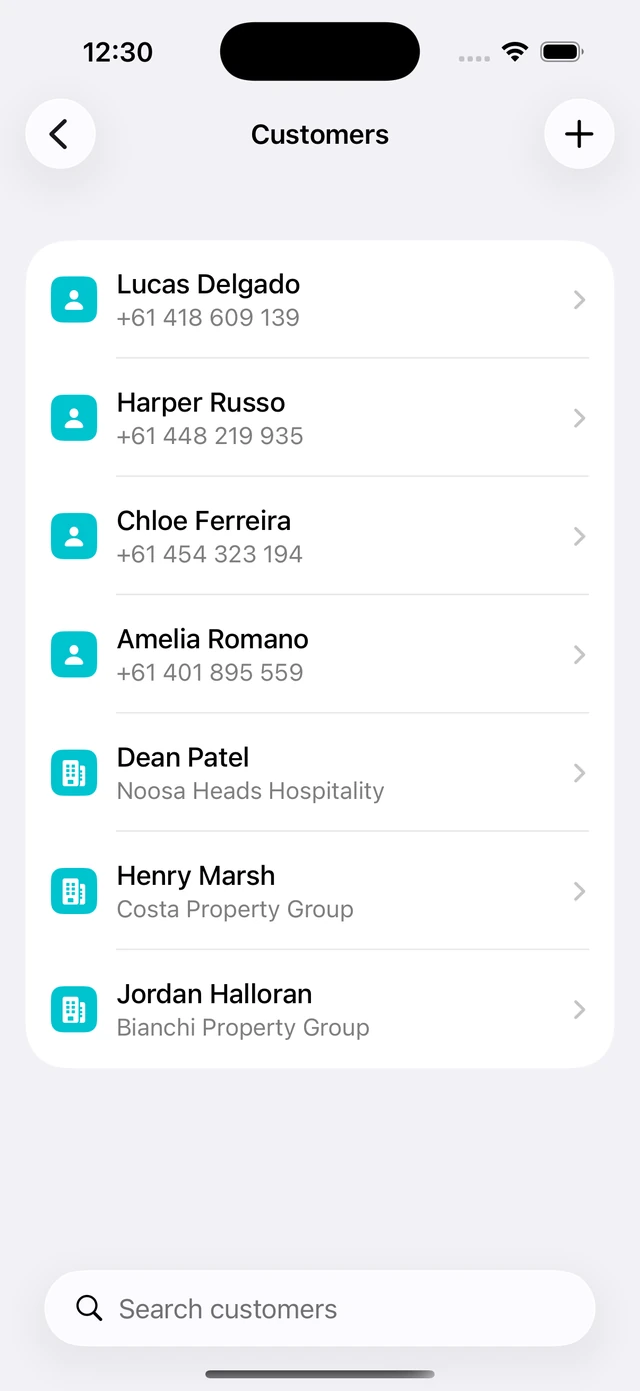
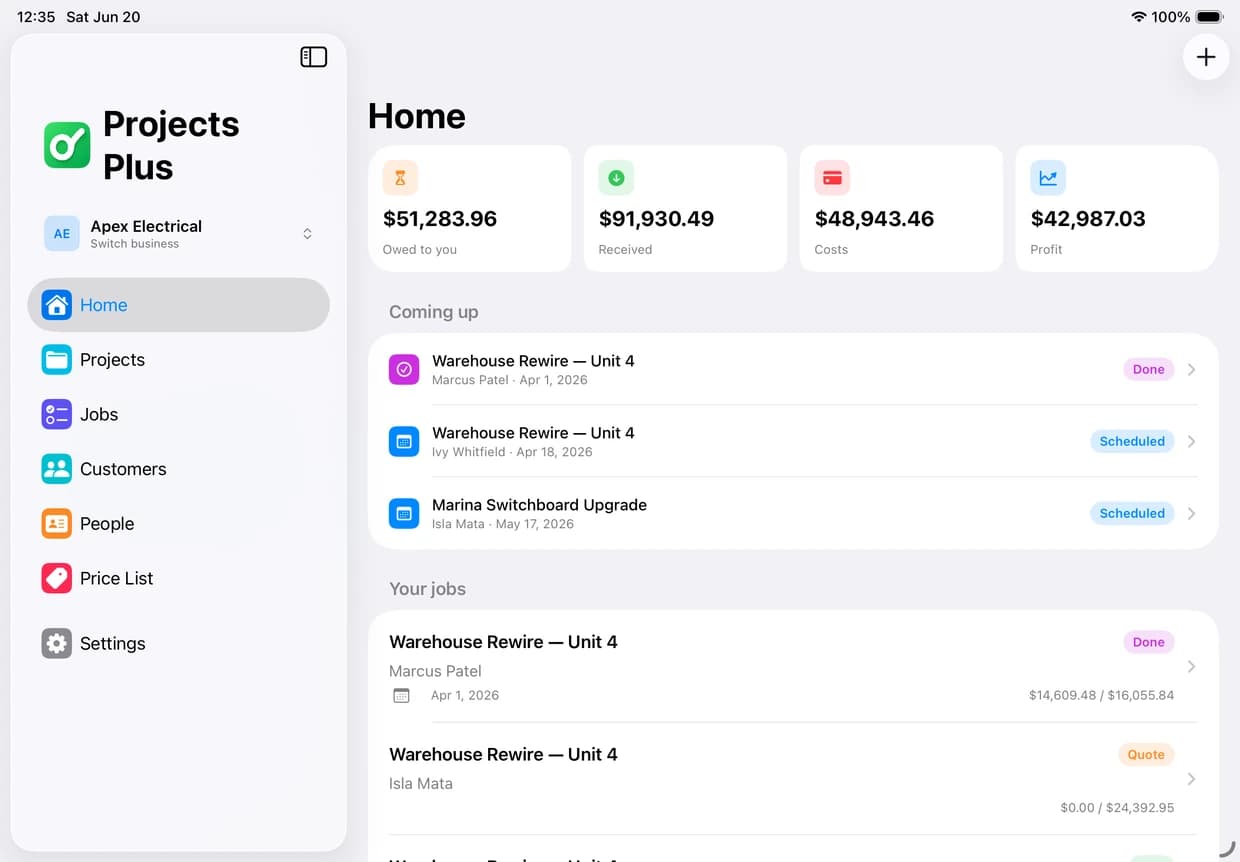
Track every expense, payment, quote and invoice — and see exactly where your money goes — on iPhone, iPad and Mac, always in sync.
On iPhone
On iPad
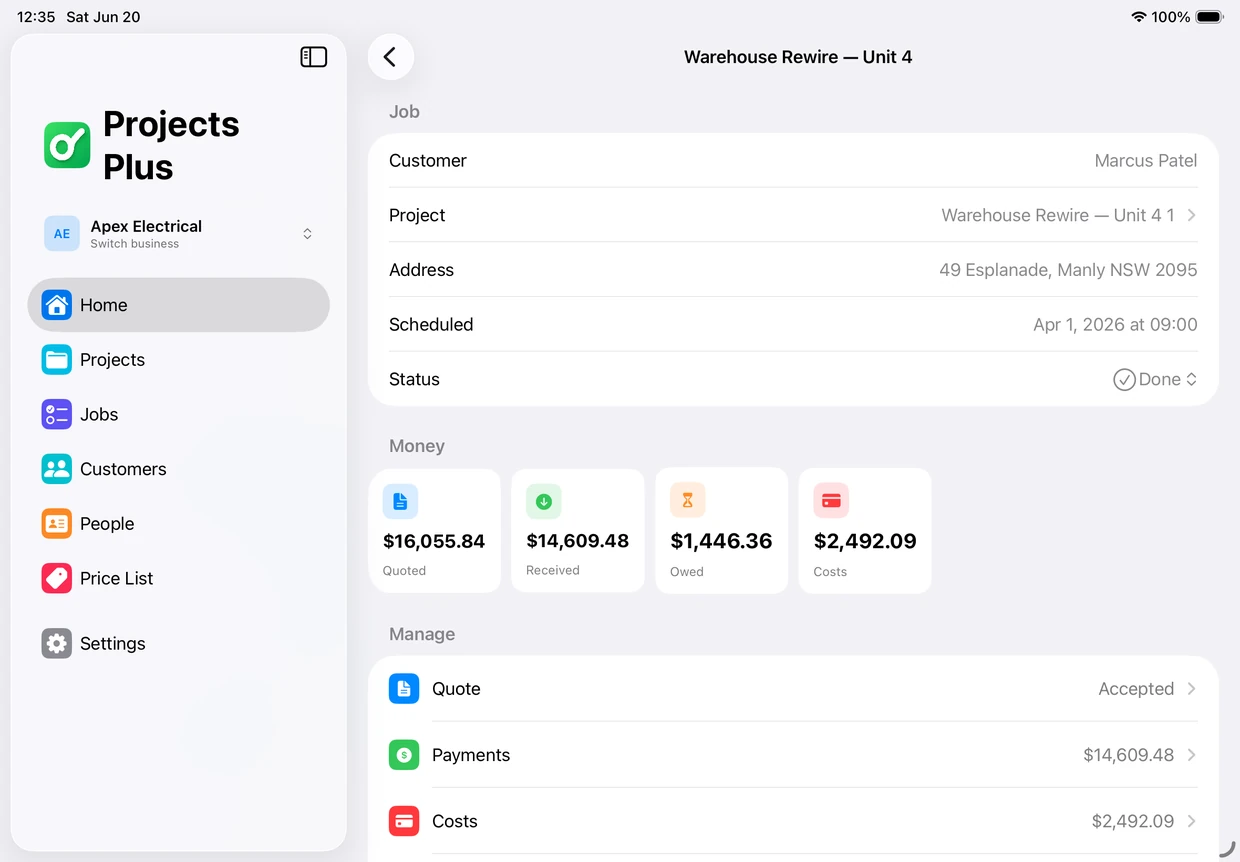
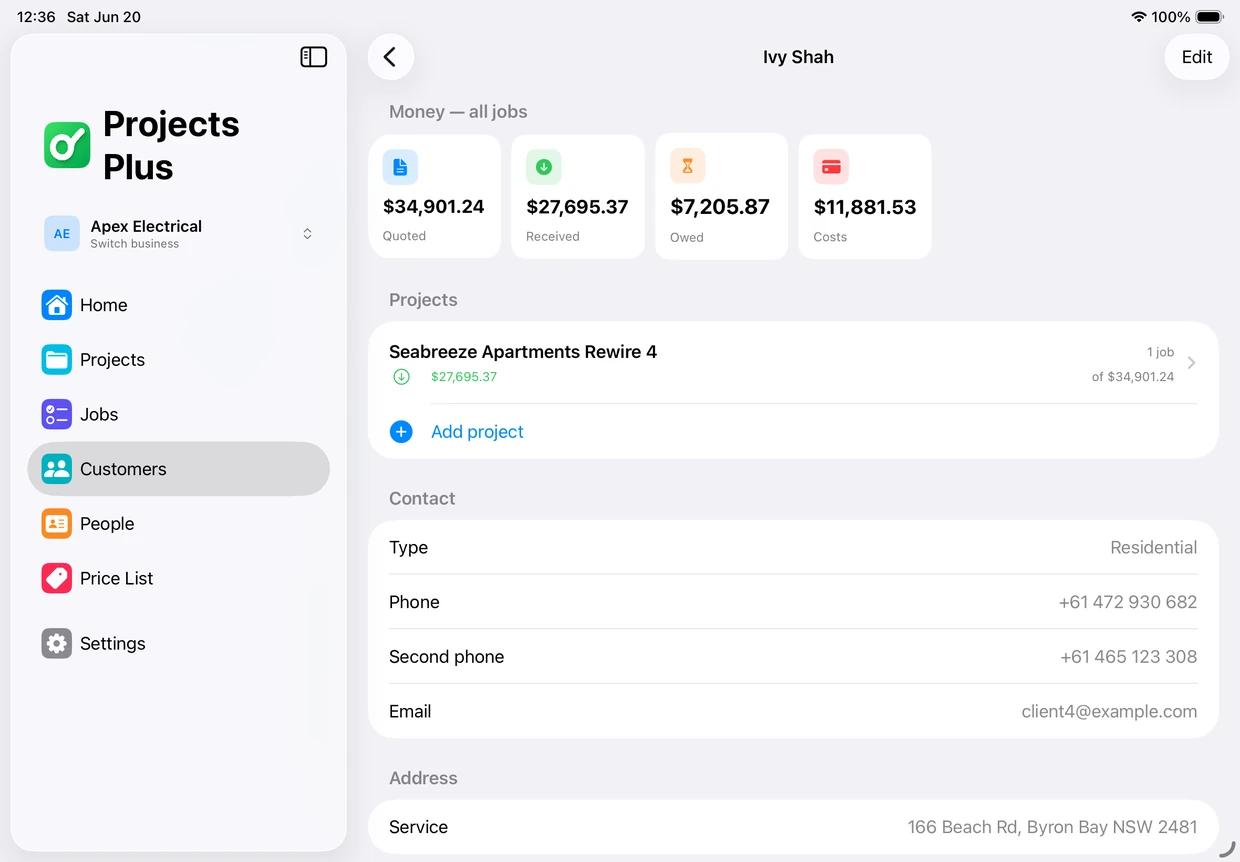
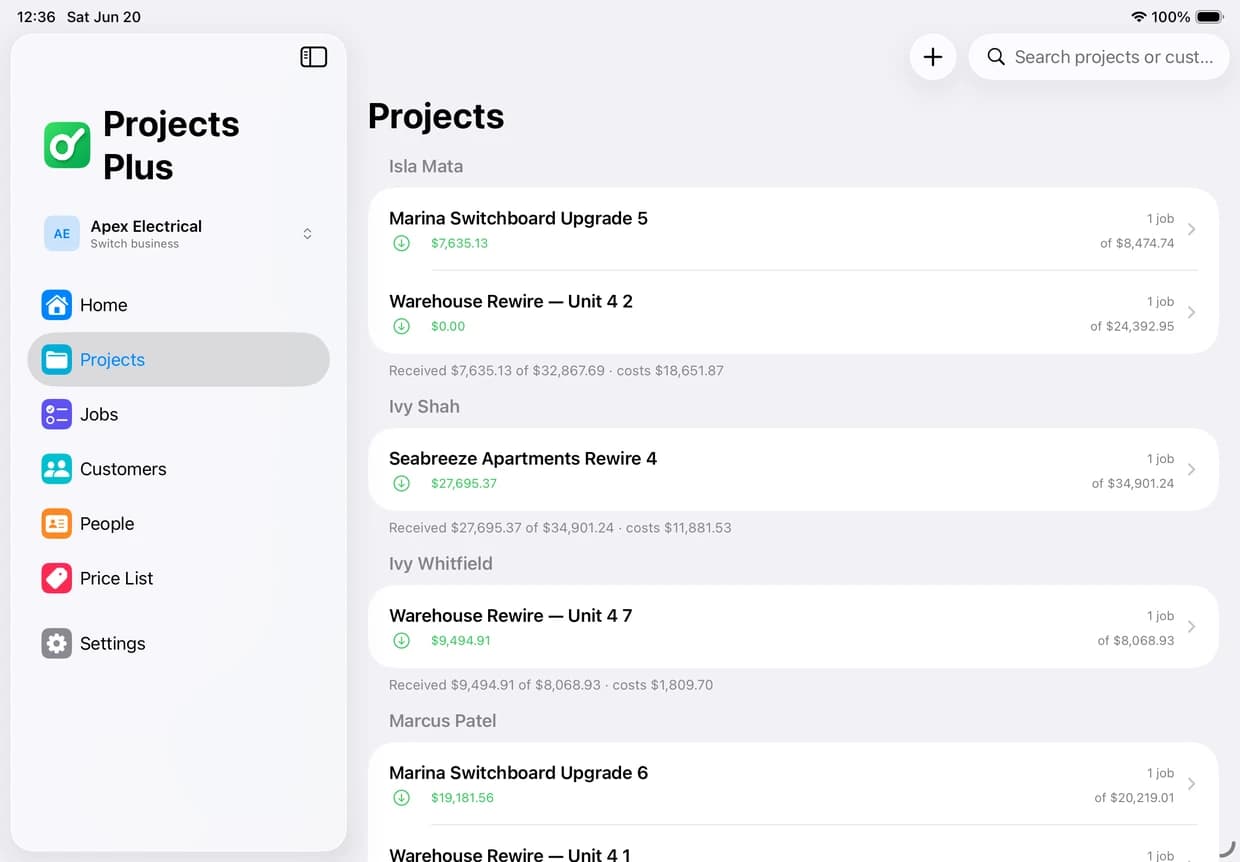
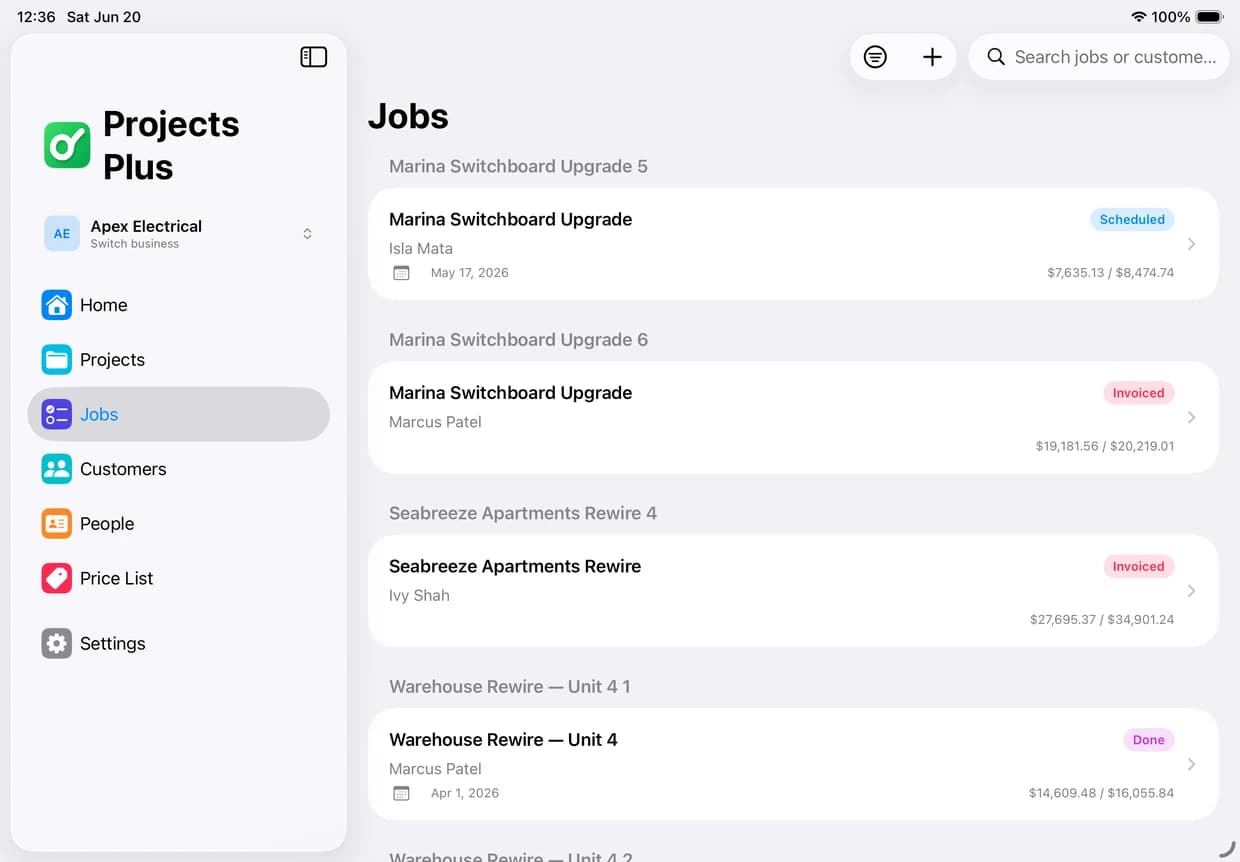
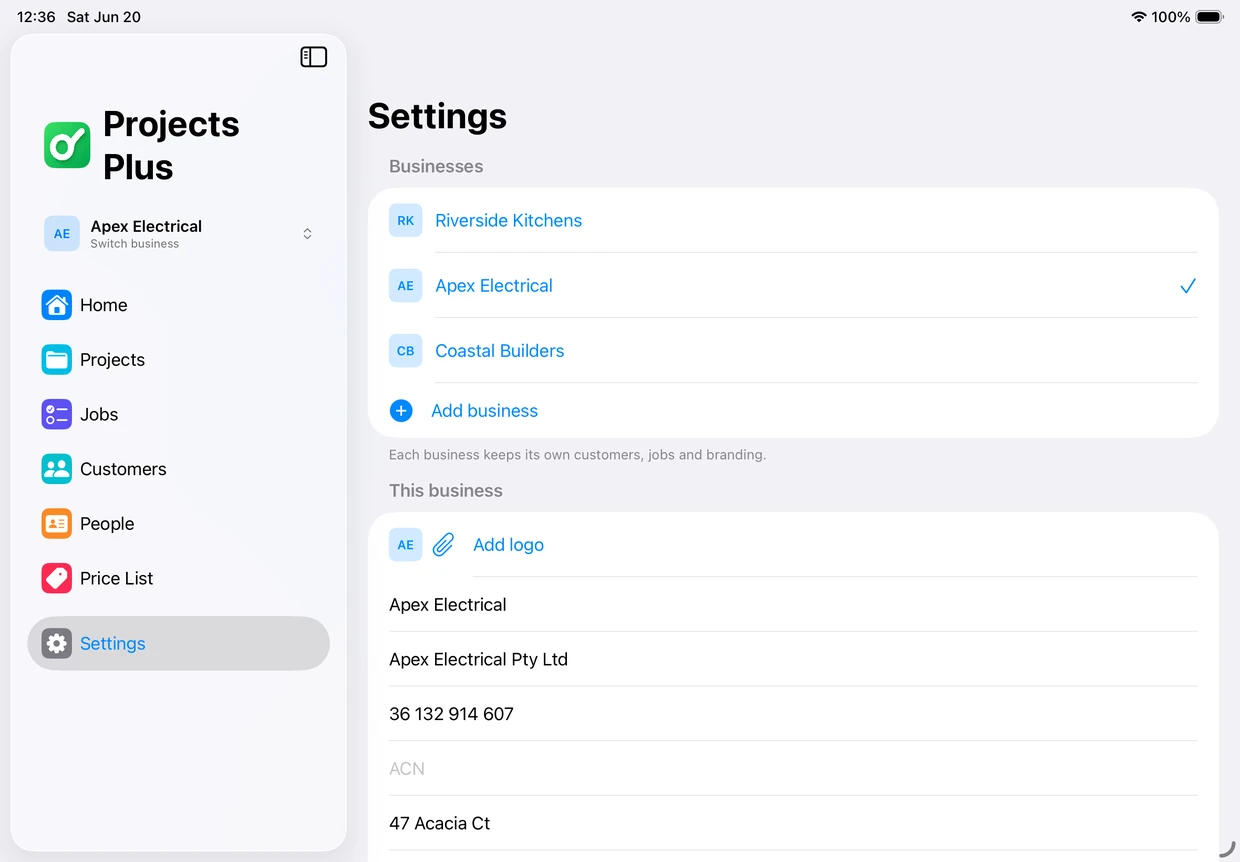
On Mac
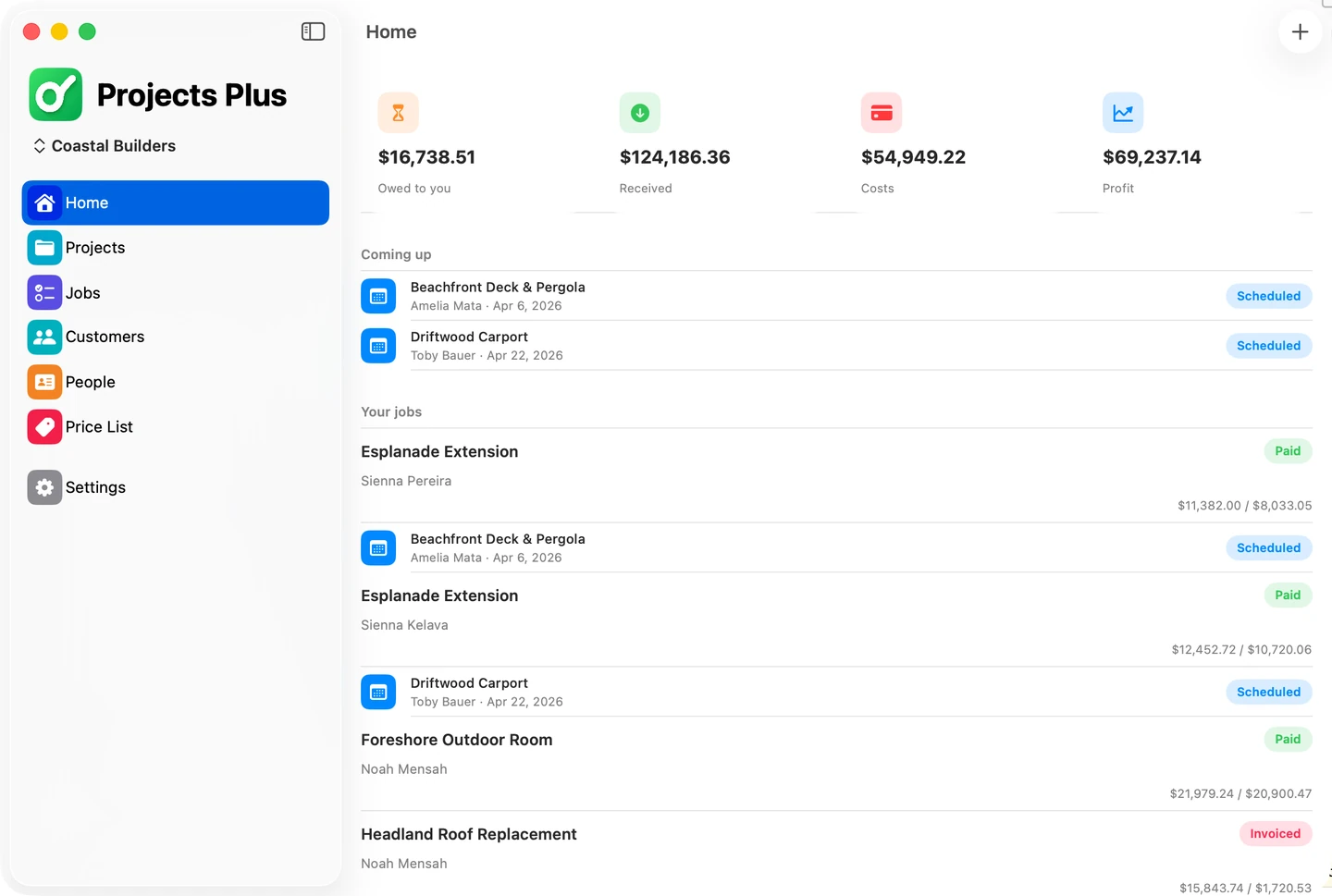
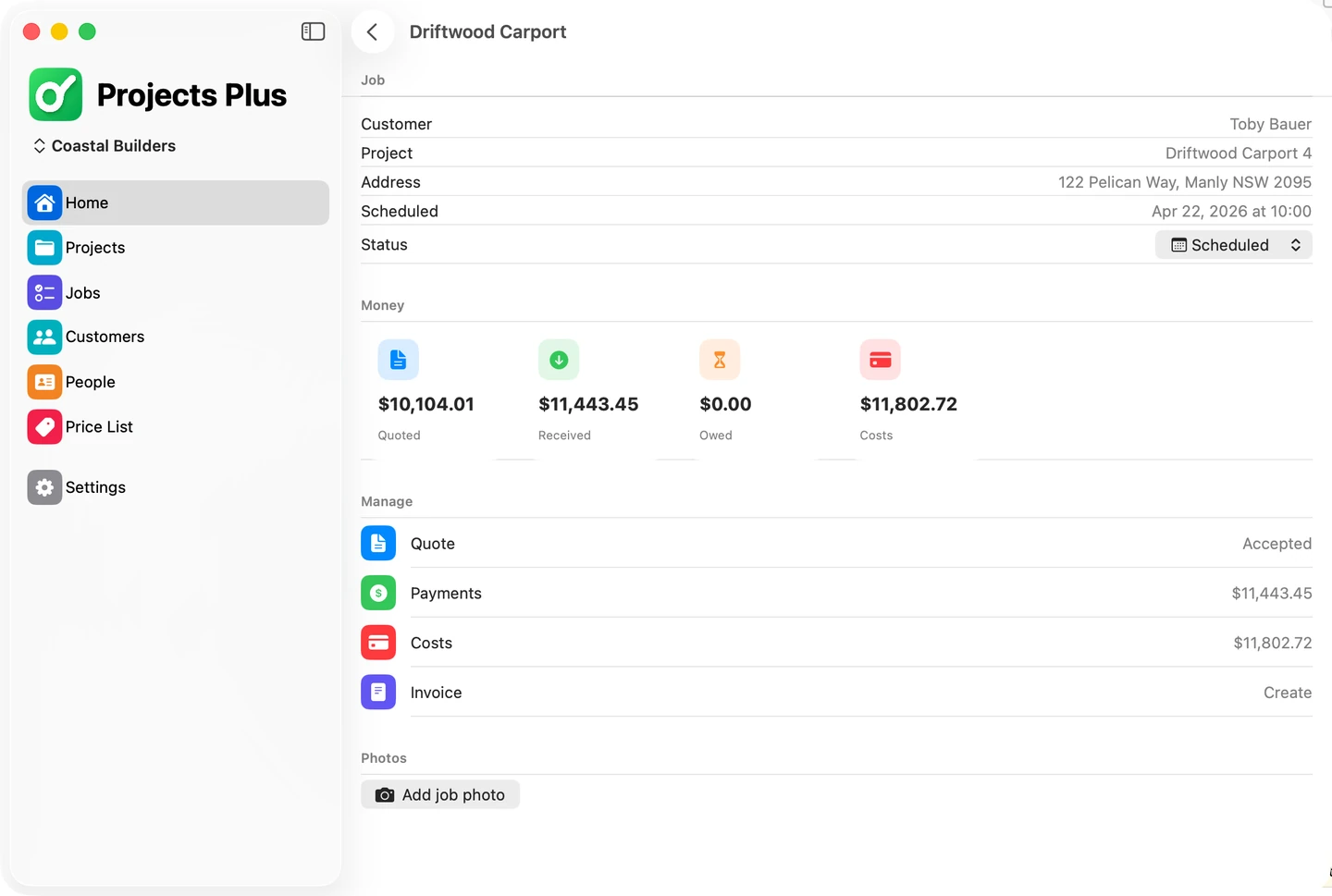
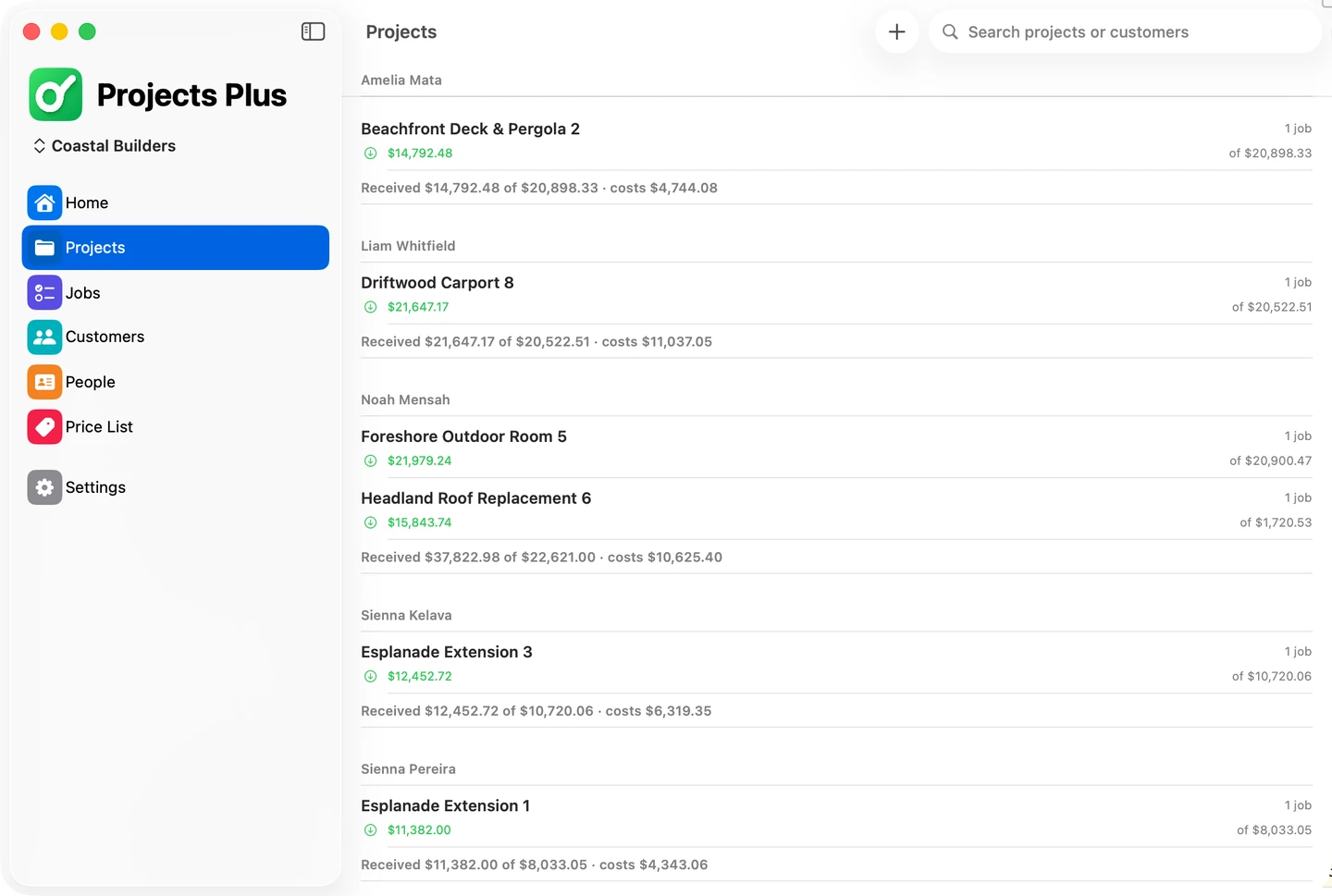
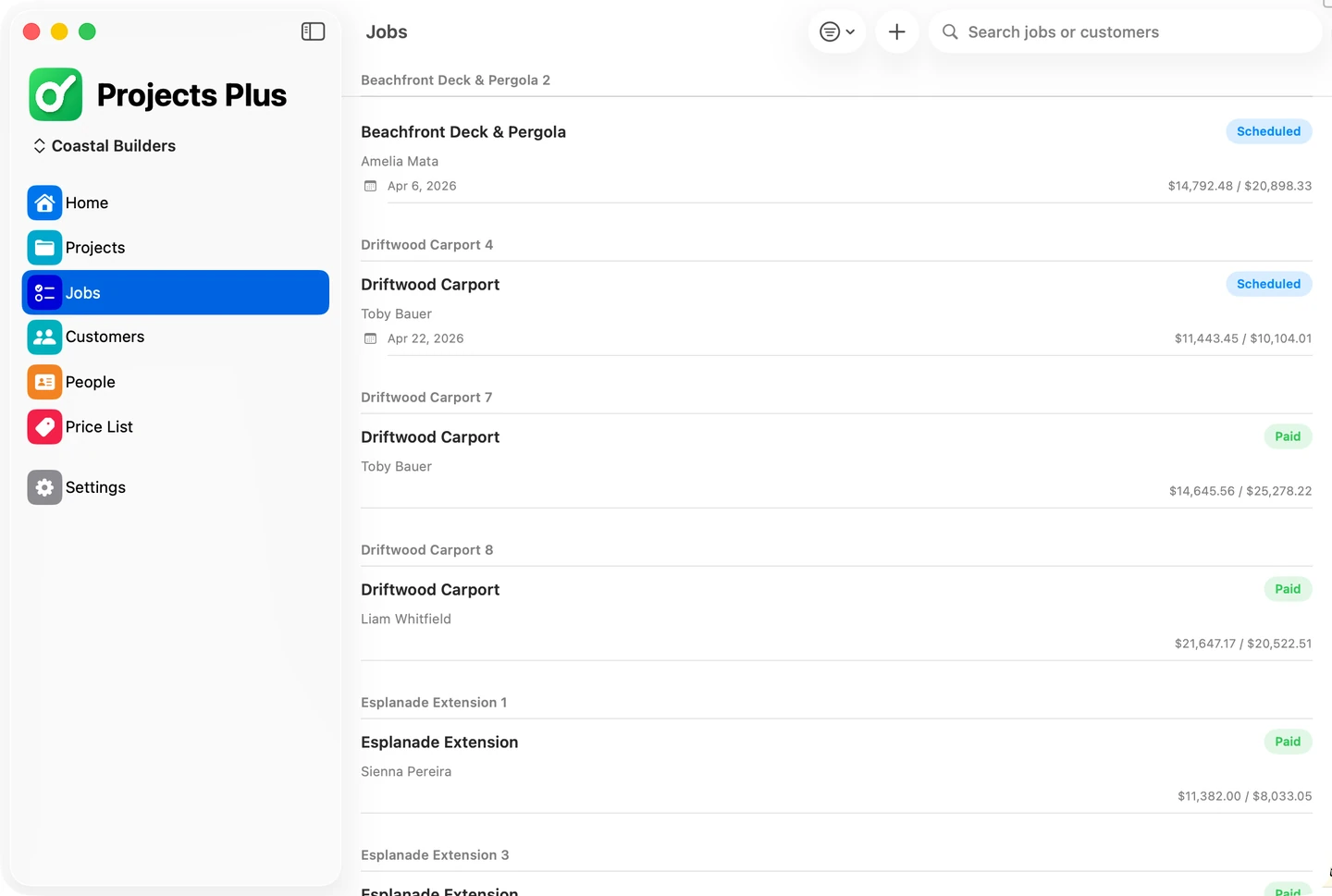
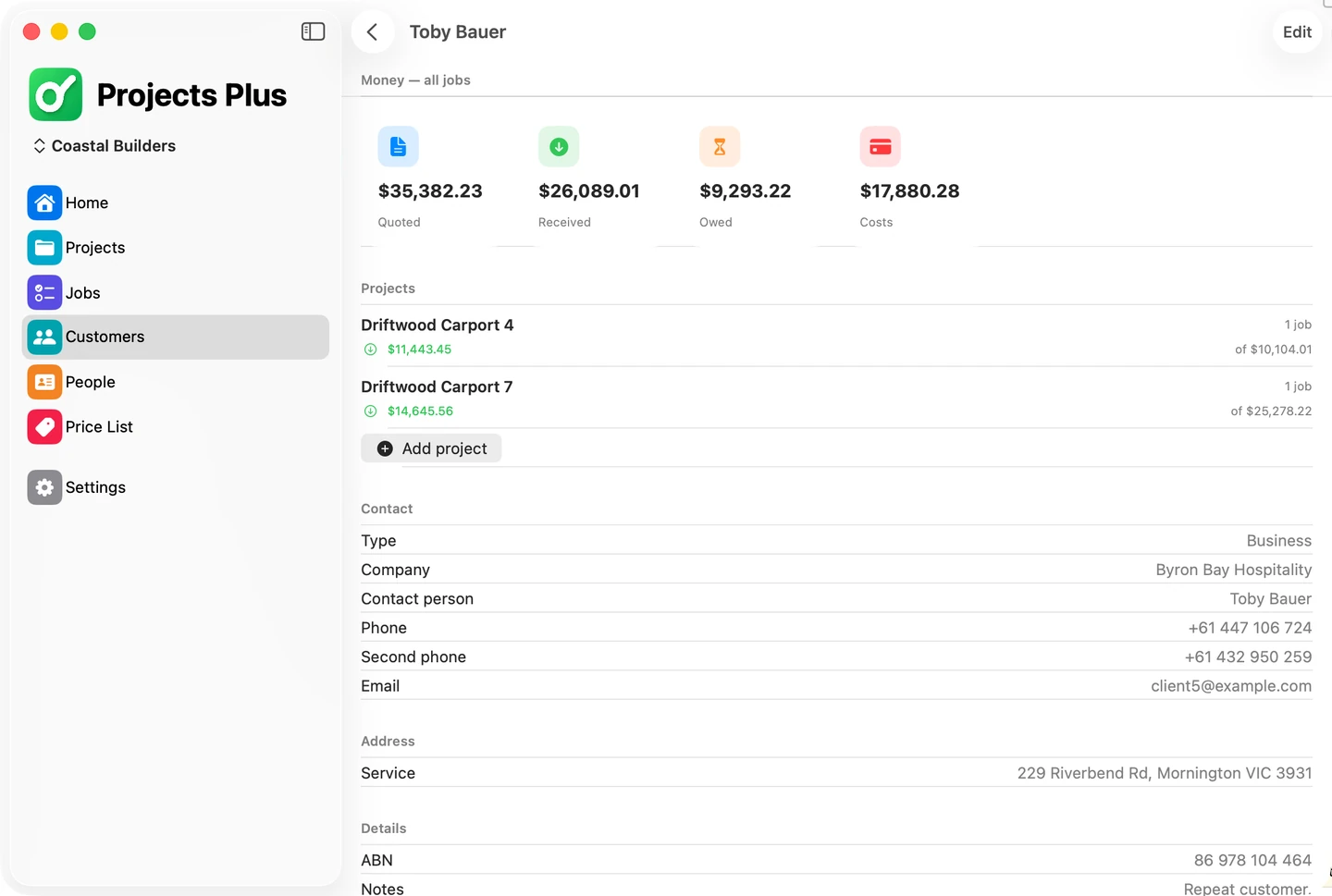
From first quote to final invoice.
A workflow that mirrors how the job actually runs.
Quote and win
Build an editable quote, email it as a PDF, and re-send updates until the customer says yes.
Track the money
Log every deposit in and every expense out — with receipts, dates and staff payments colour-coded.
Invoice and export
Send a professional final invoice and export the full project as a filtered, shareable PDF.
Editable quotes · Re-send anytime
Send it. Revise it. Win the job.
Customers always want changes. Projects Plus lets you edit the same quote again and again and email every revision as a clean PDF. When they say yes, mark it accepted — and the job moves forward.
- Line-by-line descriptions and amounts
- Unlimited revisions to one quote
- PDF emailed on every change
- Mark accepted the moment the customer says yes
Frequently asked questions
What is Projects Plus?
Projects Plus is an all-in-one job management app for tradies and small service businesses — fencing, landscaping, cleaning, lawn mowing and more. It lets you create and re-send editable quotes, track every payment in and out, manage your staff and their pay, and send polished invoices — all from your iPhone, iPad or Mac.
Which devices does Projects Plus run on?
Projects Plus is built natively for iPhone, iPad and Mac. Your projects, quotes and payments stay in sync across every Apple device you own.
Who is Projects Plus for?
It's built for project managers and owner-operators who run the work themselves to save money — fencing, landscaping, lawn mowing, cleaning, painting, decking, handyman and any small trade or service business. If you quote jobs, pay for materials and staff, and invoice customers, Projects Plus keeps it all in one place.
How do quotes work?
You build a quote with line items and amounts, email it to your customer as a clean PDF, and revise and re-send it as many times as they ask. When they say yes, you mark it accepted and the job moves forward — no paperwork or chasing.
How does Projects Plus track money in and out?
Log incoming deposits by bank transfer or cash with the amount, date, a transaction reference and optional proof. Record outgoing expenses with a description, amount, receipt photo and date. Staff payments are colour-coded and track both when work was done and when payment was actually made.
Can I export reports as PDF?
Yes. You can export a project's total expenses as a PDF, and filter individual payments to export exactly the slice you need — ideal for customers, your records or your accountant.
How much does Projects Plus cost?
Projects Plus is free to download from the App Store and Mac App Store. See the Pricing page for full details on what's included.
Is my data private and secure?
Your project, customer and financial data is yours. Projects Plus is built to Apple's privacy standards and does not sell your data. See our Privacy page for full details.
Run your next project from your pocket.
Download Projects Plus and turn quotes into won jobs, payments and invoices — without leaving your iPhone, iPad or Mac.
Free to download · Built for iPhone, iPadOS and macOS